 Call Us : 08045814233Call Us : 08045814233

 Send Inquiry

MARX HDMI Switch 8 port
Price 6000 INR/ Piece
MOQ : 1 Piece
MARX HDMI Switch 8 port Specification
- Application
- Home theater, Conference rooms, AV setups, CCTV, Multi-display environments
- Mounting Type
- Desktop
- Installation Guideline
- Plug and play; place in accessible ventilated area; connect HDMI cables before powering on
- Material
- Metal Body, ABS Plastic Panel
- Equipment Type
- 8-Port HDMI Switch
- Humidity
- 10% - 80% Non-Condensing
- Weight
- Approx 780 g
- Color

- Black
- Frequency
- 50/60 Hz (for adapter input)
- Usage
- Multiple HDMI input management
- Finish
- Matte textured
- Surface Treatment
- Powder coated
- Technique
- Automated assembly
- Supply Voltage
- DC 5V (via external adapter)
- Process
- SMT mounting for internal circuitry
- Thickness
- Body: approx 1.2 mm
- Product Type
- HDMI Switch
- Input Voltage
- AC 110-240V (Adapter)
- Service Period
- 1-year manufacturer warranty
- IP Rating
- IP20
- Output Voltage
- HDMI standard (pass-through)
- Design

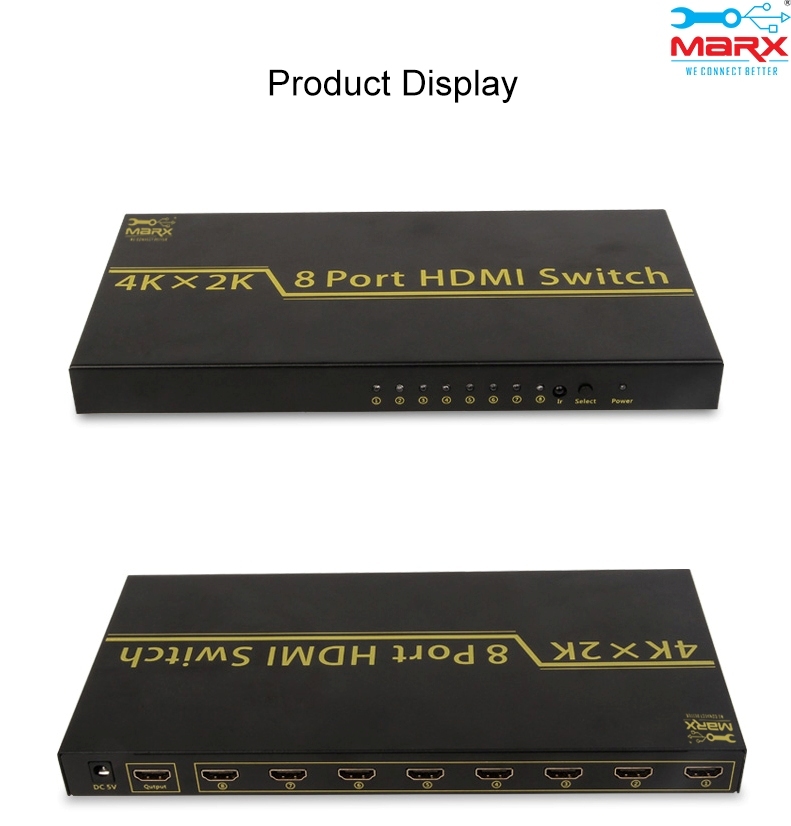

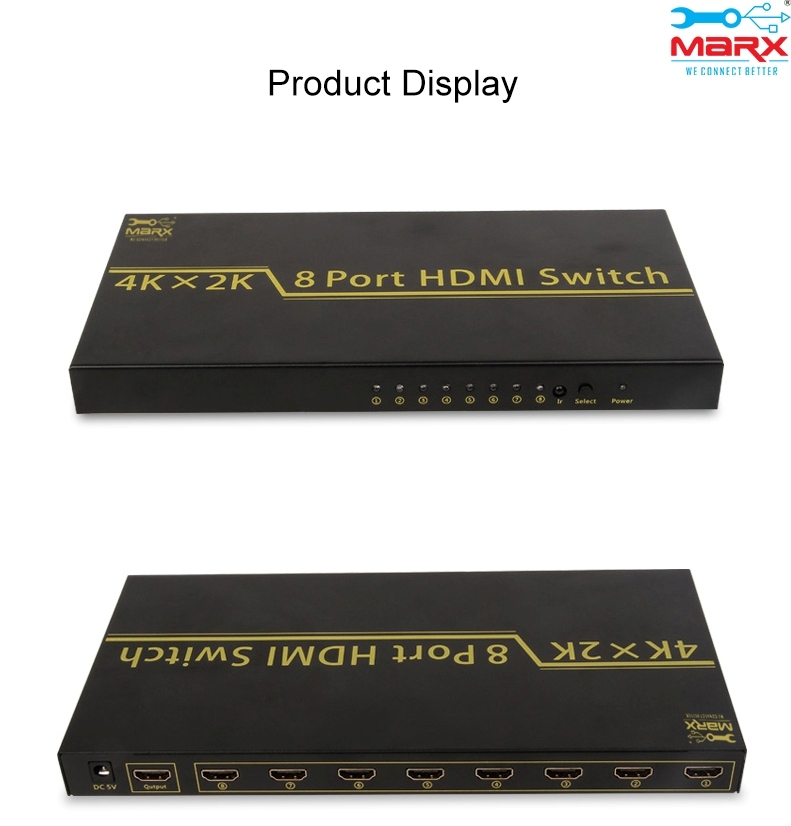
- Rectangular with front panel buttons and indicator LEDs
- Standard
- HDMI 1.4, HDCP compliant
- Dimension (L*W*H)
- 270 x 110 x 25 mm
- Size
- Standard (Desktop-type)
- Processing
- Precision electronics assembly
- Temperature
- Operating: 0C - 60C
- LED Indicators
- Port Indicator Lights (Status for Each Channel)
- Casing Material
- Heavy Duty Metal Frame, ABS Top/Bottom
- Power Consumption
- <5W
- Audio Formats
- LPCM, DTS Digital, Dolby Digital
- HDCP Version
- Supports HDCP 2.2 & 1.4
- Included Accessories
- IR remote, Power adapter, User manual
- Max Bandwidth
- 18 Gbps
- Control Mode
- IR Remote Control & Manual Button

- Number of HDMI Ports
- 8 Inputs, 1 Output
- Operating Mode
- Hot-swappable, No signal loss
- Supported Resolutions

- Up to 4K x 2K @ 60Hz, 1080p, 720p, 480p
- Compatible Devices
- Blu-ray players, gaming consoles, PCs, media boxes, etc.
About MARX HDMI Switch 8 port
In order to get more digital content with better picture quality on your TV or LCDs, you can connect several HDMI inputs using an HDMI switcher. Anywhere in the house, TVs or LCDs can be connected using the special auto-adaptive equalisers that allow for the use of longer cables. It offers commercial-grade output with a variety of switching and control options.
Seamless Multi-Device Connectivity
Easily connect up to 8 HDMI devicesBlu-ray players, gaming consoles, PCs, and moreto a single display with the MARX HDMI Switch. With support for high-definition resolutions up to 4K, this switch is ideal for home theaters, multi-display environments, and conference rooms, enabling smooth transitions without cable swapping.
Easy Control & Reliable Performance
Switch between devices using the included IR remote or front-panel manual buttons. Each HDMI port features LED status lights for clear, immediate feedback. Built with a sturdy metal frame and advanced electronics, this device ensures optimal signal integrity and supports both HDCP 2.2 and 1.4 standards for broad compatibility.
Quick Installation & Versatile Applications
The MARX HDMI Switch offers a straightforward plug-and-play experience. Simply connect your HDMI cables while the device is powered off, place the switch in a well-ventilated area, and power it on for reliable and uninterrupted multi-input management. Suitable for a range of uses from AV setups to CCTV monitoring.
FAQs of MARX HDMI Switch 8 port:
Q: How do I install and set up the MARX HDMI Switch 8-Port?
A: To install the switch, connect your HDMI input devices and display using quality HDMI cables. Ensure all cables are plugged in before powering on the device. Place the unit on a desktop in a well-ventilated area. Power it with the supplied adapter and youre ready to use IR remote or manual controls.Q: What devices can I connect to the HDMI switch?
A: You can connect any HDMI-compatible device, such as Blu-ray players, gaming consoles, PCs, streaming boxes, and CCTV DVRs. The switch supports up to eight devices simultaneously, outputting to a single screen.Q: When should I use the IR remote versus the manual button control?
A: The IR remote provides convenient, wireless switching between portsideal for home theater or conference room setups where the switch is not within reach. Use the manual buttons for quick port changes when you are near the device.Q: Where is this switch most beneficial to use?
A: The MARX HDMI Switch is ideal for settings requiring frequent device changes, such as home theaters, conference rooms, AV setups, CCTV monitoring, or multi-display workstations.Q: What is the process for switching between HDMI sources?
A: Switching input sources can be done using the IR remote or the front-panel manual buttons. Selected ports are indicated by LED lights, providing clear status feedback. The switch features hot-swapping, letting you change sources without interrupting operation.Q: How does the switch maintain signal quality across multiple ports?
A: The device uses high-quality circuitry (SMT mounting) and precise electronics assembly to ensure there is no signal loss, even at high bandwidths (up to 18 Gbps). This guarantees consistent 4K video and clear audio output from all connected devices.Q: What are the main benefits of using this HDMI switch?
A: Key benefits include simplified cable management, support for a broad range of devices and resolutions, convenient control options, robust build quality, and uninterrupted signal outputall backed by a one-year manufacturer warranty.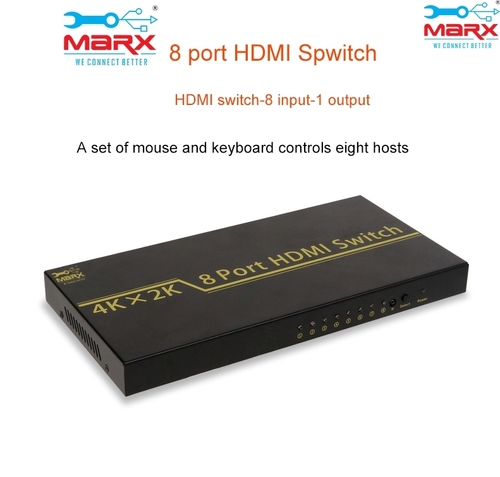
Tell us about your requirement

Price:
Quantity
Select Unit
- 50
- 100
- 200
- 250
- 500
- 1000+
Additional detail
Mobile number
Email

More Products in HDMI Products Category
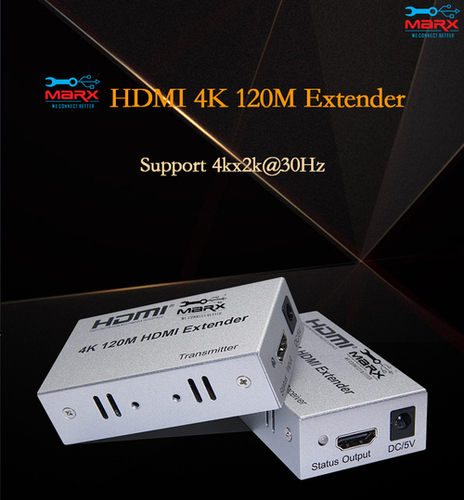
MARX HDMI Extender 120 Mtr
Price 7550.0 INR / Piece
Price Range 5250.00 - 6000.00 / Piece
Minimum Order Quantity : 1 Piece
Material : Metal Casing
Usage : Long Distance HDMI Signal Transmission
Color : Black
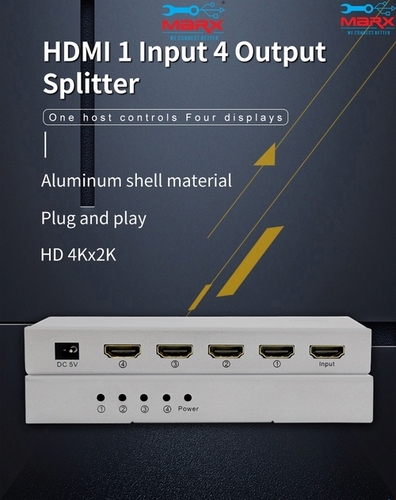
HDMI Splitter 4 port
Price 2750.0 INR / Piece
Minimum Order Quantity : 1 Piece
Material : ABS Plastic & Metal
Usage : Splitting HDMI signal to multiple displays
Color : Black
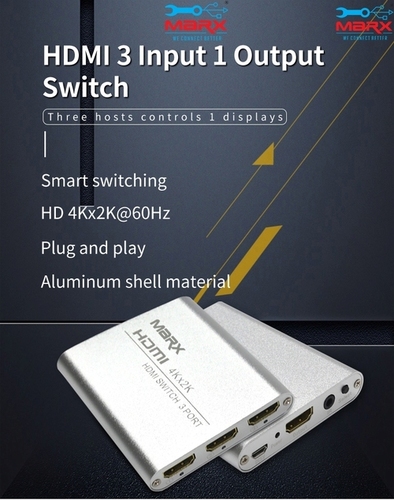
MARX HDMI Switch 3 port
Price 1850 INR / Piece
Minimum Order Quantity : 1 Piece
Material : ABS Plastic, Electronic Components
Usage : Switching HDMI input sources to a single display
Color : Black

MARX HDMI 2.0v 10m cable
Price 1350 INR / Piece
Minimum Order Quantity : 1 Piece
Material : High Purity Copper with PVC Jacket
Usage : Audio/Video Signal Transmission
Color : Black

Address
GST : 27AADPT7876N1ZO
- 306, 3rd Floor, Ganesh Bhuvan, S.V.Marg, Lamington Road, Grant Road (E),Mumbai - 400007, Maharashtra, India
- Phone :08045814233
- Send Inquiry
 Send Inquiry
 Send Inquiry
 Send SMS
 Call Me Free
 |
JAYSHREE ELECTRONICS
All Rights Reserved.(Terms of Use) Developed and Managed by Infocom Network Private Limited. |
