 Call Us : 08045814233Call Us : 08045814233

 Send Inquiry
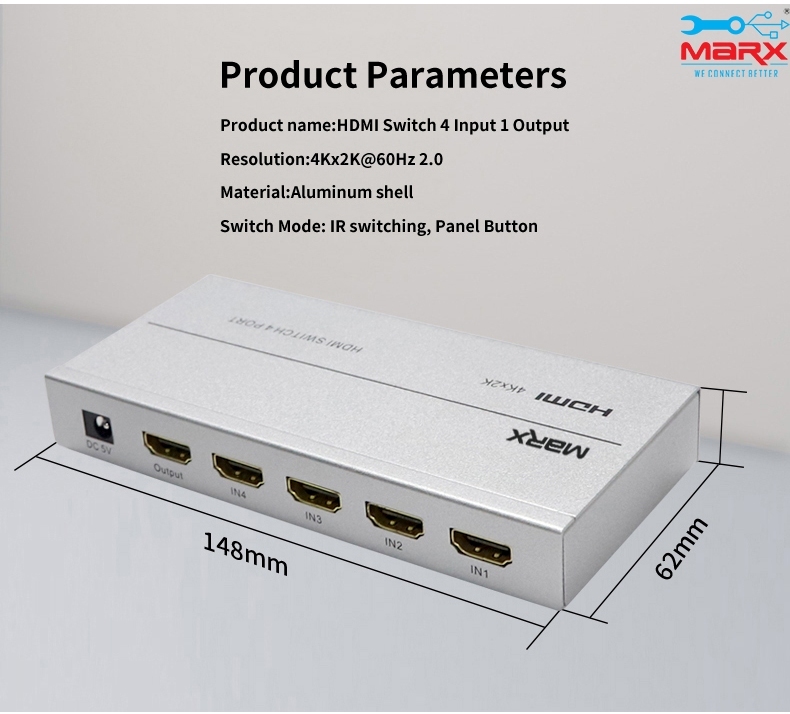
MARX HDMI Switch 4 port
Price 2500 INR/ Piece
MOQ : 1 Piece
MARX HDMI Switch 4 port Specification
- Processing
- Digital Signal Switching
- Design
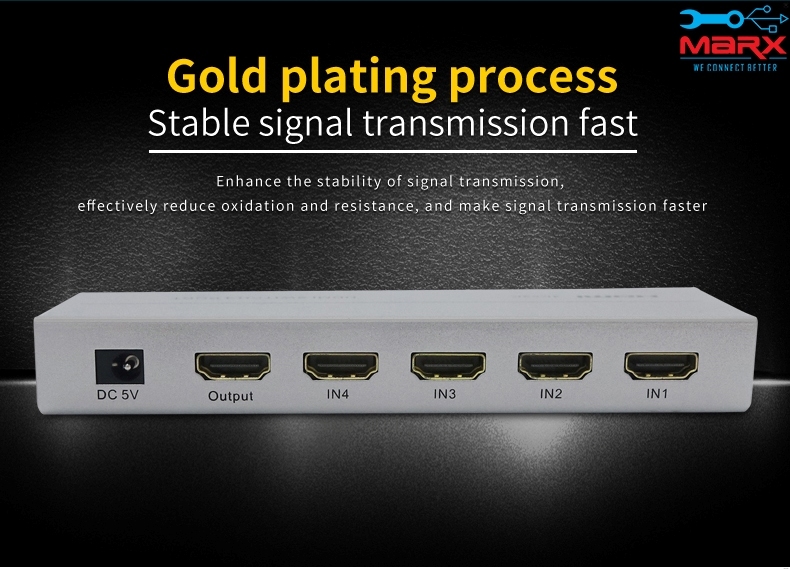
- Box Shaped with 4 Input, 1 Output
- Color
- Black
- IP Rating
- Not Rated for IP
- Equipment Type
- HDMI Switch 4 Port
- Supply Voltage
- DC 5V (USB Powered Optional)
- Frequency
- Up to 340 MHz
- Humidity
- 10%-85% RH (Non-condensing)
- Material
- ABS Plastic, Electronic Components
- Process
- Automatic and Manual Switching
- Tolerance
- Standard
- Application
- Home Entertainment, Office, Gaming Setups, Conference Rooms
- Service Period
- 1 Year Warranty
- Technique
- Microchip Controlled
- Surface Treatment
- Smooth Coating
- Usage
- Connect Multiple HDMI Devices
- Dimension (L*W*H)
- 14 x 6 x 2 cm (approx.)
- Standard
- HDMI 1.4 Compatible
- Product Type
- HDMI Switcher
- Temperature
- 0C ~ +70C (Operating)
- Size
- Standard Compact
- Output Voltage
- Standard HDMI Output
- Mounting Type
- Desktop
- Input Voltage
- 5V DC (via USB, when required)
- Weight
- 120 g (approx.)
- Thickness
- 2 cm
- Finish
- Matte
- Installation Guideline
- Plug and Play, No External Power Required for Most Devices
- Operating Voltage Range
- 4.5V 5.5V DC
- Output Signal
- HDMI Signal to Display
- LED Indicator
- Yes, Input Status Displayed
- Remote Control Included
- No
- Enclosure Type
- Lightweight, Portable
- Signal Bandwidth
- 10.2 Gbps
- Operating Mode
- Auto and Manual Switch
- Number of HDMI Ports
- 4 Inputs, 1 Output
- Compatibility
- Blu-ray, PS5, Xbox, DVD, TV, Projector, PC, Streaming Devices
- HDCP Compliance
- Supports HDCP
- Switching Method
- Manual Button and Automatic
- Audio Support
- LPCM, DTS, Dolby-AC3, DSD
- Guarantee
- 1 Year Manufacturer Warranty
- Cable Length Supported
- HDMI Cable Up to 10m
- Power Consumption
- < 2.5W
- Input Signal
- HDMI Signal from Source Devices
- Supported Resolution
- Up to 4K (3840x2160p) @ 30Hz
About MARX HDMI Switch 4 port
In order to get more digital content with better picture quality on your TV or LCDs, you can connect several HDMI inputs using an HDMI switcher. Anywhere in the house, TVs or LCDs can be connected using the special auto-adaptive equalisers that allow for the use of longer cables. It offers commercial-grade output with a variety of switching and control options.
Effortless HDMI Switching
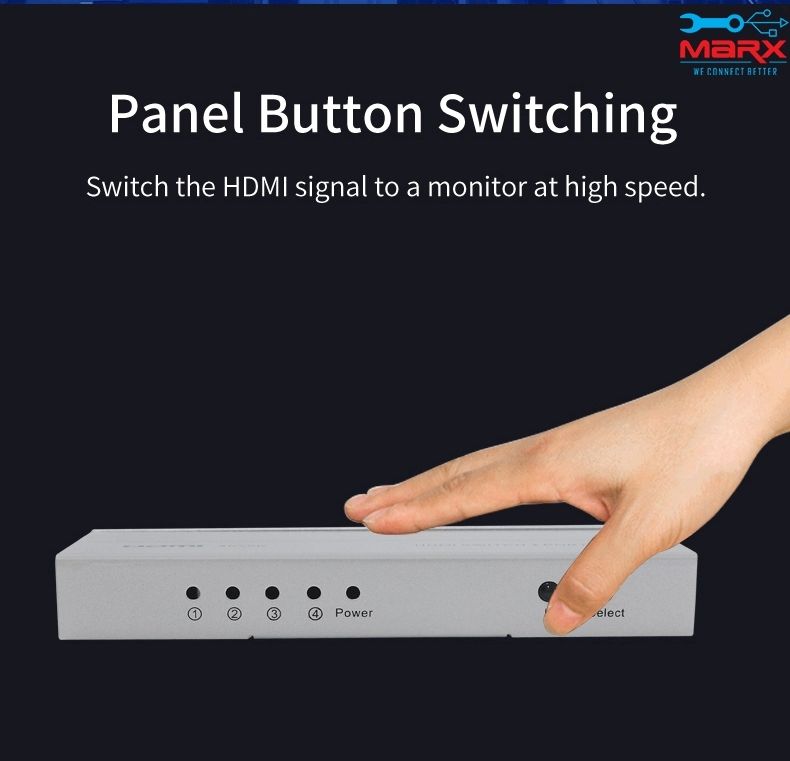
Switch between multiple HDMI sources with ease, using either manual button selection or automatic input detection. LED indicators clearly display which input is active, providing instant feedback and hassle-free operation.
Superior Compatibility & Quality
Enjoy flawless connectivity with Blu-ray, PS5, Xbox, DVD, PC, streaming devices, and projectors. The switch supports up to 4K resolution, advanced audio formats, HDCP compliance, and HDMI cable runs of up to 10 meters. Smooth digital signal processing ensures crisp visuals and dynamic sound.
Plug & Play Convenience
Installation is straightforward-simply connect your devices and display using standard HDMI cables. The switch is powered either via USB or directly from most HDMI sources, and requires no complex setup or external power supply for most scenarios.
FAQ's of MARX HDMI Switch 4 port:
Q: How do I set up the MARX HDMI Switch 4 port with my devices?
A: To set up the HDMI switch, connect up to four HDMI input devices (such as Blu-ray players, game consoles, PCs, or streaming devices) to the input ports. Plug the output port into your display. In most cases, no external power is required, but you can use the optional USB power if needed. The device uses plug-and-play installation for ease.Q: What are the benefits of using a 4-port HDMI switch in home entertainment or gaming setups?
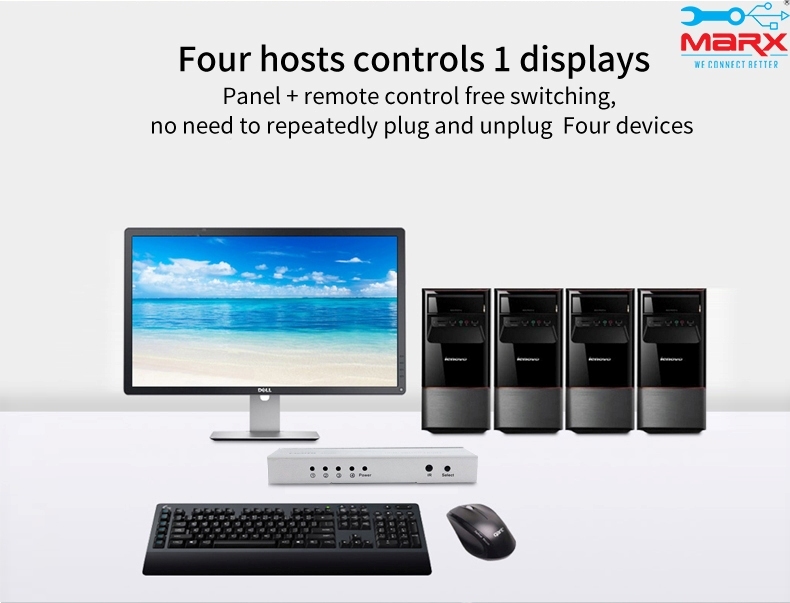
A: A 4-port HDMI switch allows you to connect multiple source devices to a single display, eliminating the hassle of constantly swapping cables. You can seamlessly switch between devices for gaming, streaming, and work, all while maintaining high-quality audio and video transmission.Q: Which switching method does this device use and how does it work?
A: The MARX HDMI Switch supports both manual and automatic switching. Manual switching is done via a button, while automatic switching detects when a new input is active. LED indicators show which device is currently selected, helping you identify input status instantly.Q: What types of devices are compatible with the MARX HDMI Switch 4 port?
A: This switch is compatible with Blu-ray players, PlayStation 5, Xbox consoles, DVD players, TVs, projectors, PCs, and most streaming devices. It works with any HDMI-enabled device that outputs to a display.Q: Does the HDMI switch support 4K resolution and HDCP-protected content?
A: Yes, the MARX HDMI Switch supports up to 4K (3840x2160p) at 30Hz and is HDCP compliant, enabling playback of protected content from devices such as Blu-ray players and streaming platforms.Q: When is external power via USB needed for the switch, and how do I provide it?
A: Most HDMI sources provide enough power for operation; however, if your connected devices don't supply adequate power, you can connect a USB cable to the switch's power port to ensure stable performance.Q: Where can the MARX HDMI Switch 4 port be used for maximum benefit?
A: This switch is ideal for use in home entertainment systems, office setups, gaming stations, and conference rooms, where multiple HDMI sources need to connect to a single display efficiently.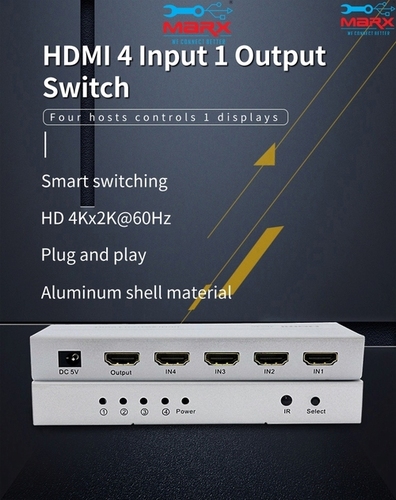

Tell us about your requirement

Price:
Quantity
Select Unit
- 50
- 100
- 200
- 250
- 500
- 1000+
Additional detail
Mobile number
Email

More Products in HDMI Products Category
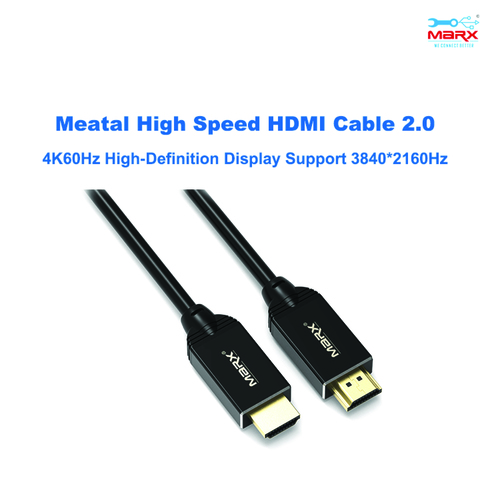
MARX HDMI 2.0v 3m cable
Price 475 INR / Piece
Minimum Order Quantity : 1 Piece
Material : Copper conductor with PVC outer jacket
Color : Black
Product Type : HDMI 2.0v Cable
Usage : Audio/Video transmission between HDMI devices
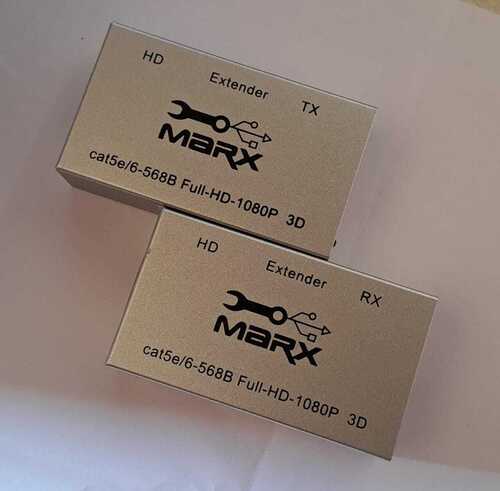
MARX HDMI Extender 60m
Price 3500.0 INR / Piece
Minimum Order Quantity : 1 Piece
Material : ABS Plastic & Metal
Color : Black
Product Type : HDMI Extender
Usage : Extending HDMI signal up to 60 meters over Cat6/6a/7 cable
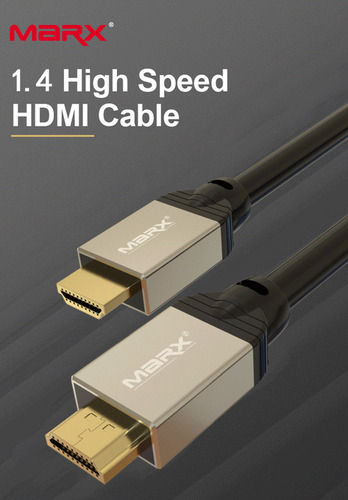
MARX HDMI 1.4v 15m Cable
Price 1350 INR / Piece
Minimum Order Quantity : 1 Piece
Material : Highgrade Copper with GoldPlated Connectors
Color : Black
Product Type : HDMI Cable
Usage : Transmit highdefinition audio and video signals
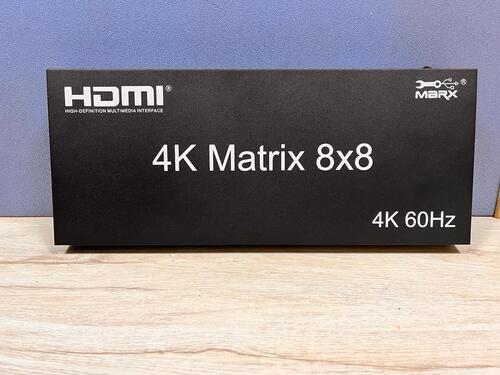
Marx HDMI Matrix switch 8-8
Price 100500 INR / Piece
Minimum Order Quantity : 1 Piece
Material : Metal (main enclosure), PCB, Electronic Components
Color : Black
Product Type : HDMI Matrix Switch 8x8
Usage : Switching HDMI signals between multiple sources and displays

Address
GST : 27AADPT7876N1ZO
- 306, 3rd Floor, Ganesh Bhuvan, S.V.Marg, Lamington Road, Grant Road (E),Mumbai - 400007, Maharashtra, India
- Phone :08045814233
- Send Inquiry
 Send Inquiry
 Send Inquiry
 Send SMS
 Call Me Free
 |
JAYSHREE ELECTRONICS
All Rights Reserved.(Terms of Use) Developed and Managed by Infocom Network Private Limited. |
