 Call Us : 08045814233Call Us : 08045814233

 Send Inquiry
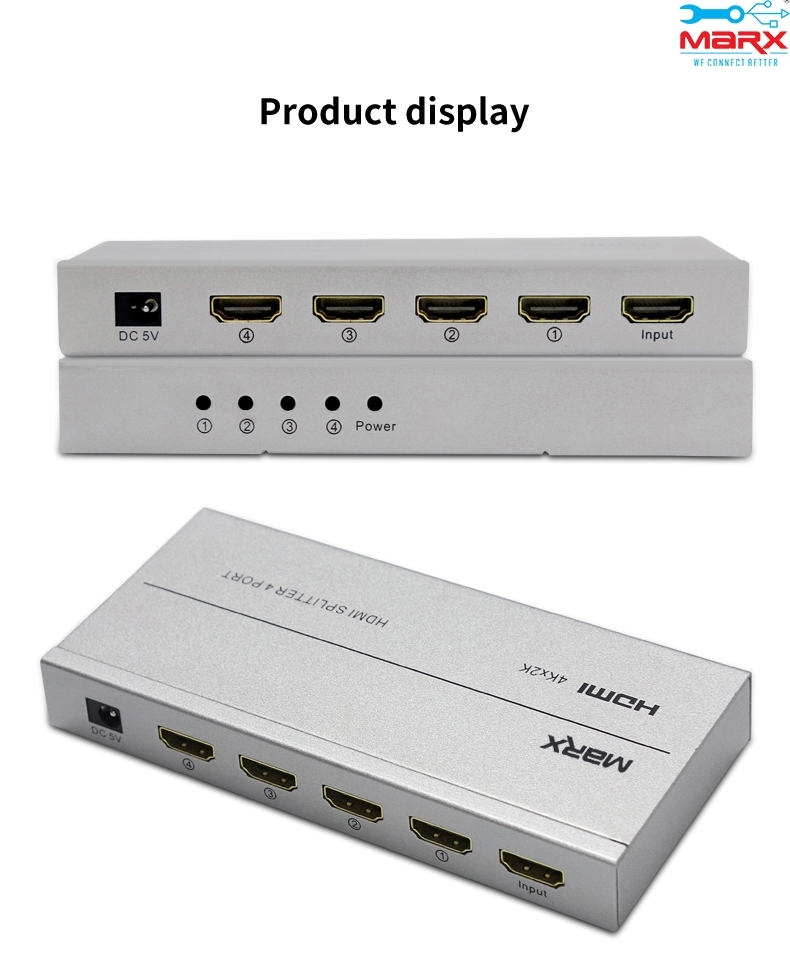
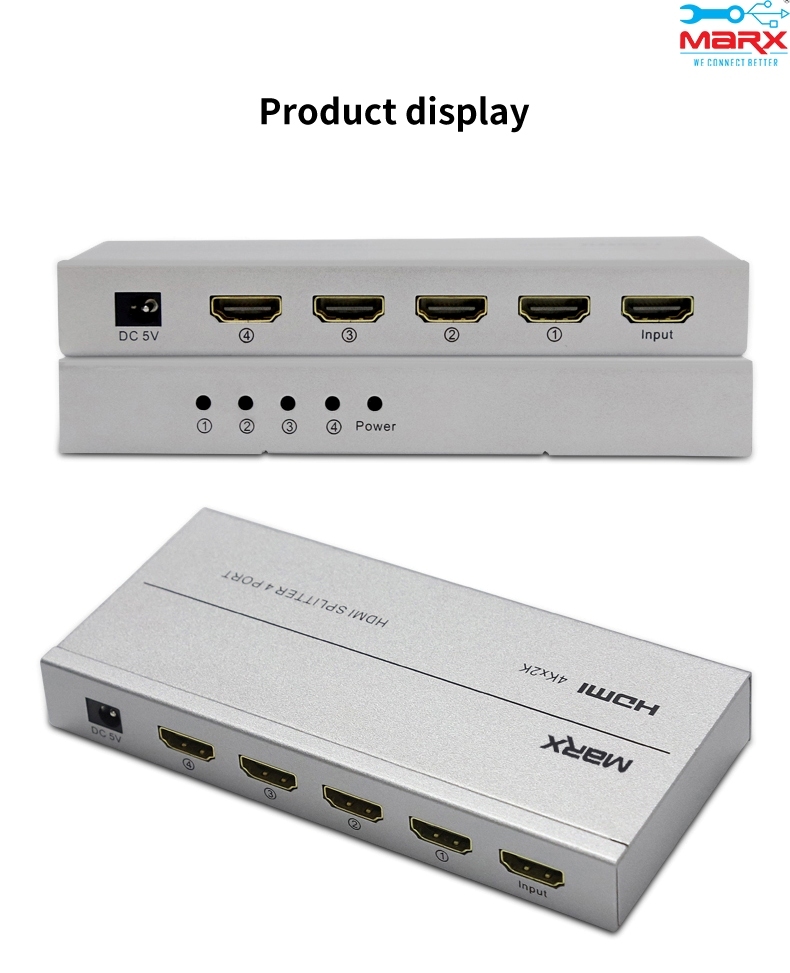
HDMI Splitter 4 port
Price 2750.0 INR/ Piece
MOQ : 1 Piece
HDMI Splitter 4 port Specification
- Weight
- Approx. 180 g
- Dimension (L*W*H)
- Approx. 180 x 60 x 25 mm
- IP Rating
- IP20 (Indoor Use Only)
- Technique
- Electronic Assembly & Soldering
- Size
- Standard, Compact
- Design
- Simple, Box Type
- Application
- Home Theater, Office Presentation, Digital Signage, Classroom
- Humidity
- 10%~85% RH (Non-condensing)
- Product Type
- HDMI Splitter 4 Port
- Tolerance
- Standard Electronics Tolerance
- Finish
- Matte / Powder Coated
- Standard
- HDMI 1.4 / HDCP 1.4 Compliant
- Supply Voltage
- DC 5V (via adapter)
- Input Voltage
- HDMI Input 5V DC
- Processing
- Injection Molded, Metal Sheet Formed
- Color
- Black
- Material
- ABS Plastic & Metal
- Surface Treatment
- Anti-Scratch Finish
- Usage
- Splitting HDMI signal to multiple displays
- Output Voltage
- DC 5V
- Service Period
- 1 Year Warranty
- Mounting Type
- Desktop
- Temperature
- Operating: 0C ~ +40C
- Thickness
- Enclosure 1.2 mm approx.
- Installation Guideline
- Plug and play; connect input and output cables, power on unit
- Process
- HDMI digital signal duplication
- Frequency
- 50/60 Hz
- Equipment Type
- Video Signal Distribution Equipment
- Signal Amplification
- Built-in Signal Booster
- Audio Support
- DTS-HD, Dolby-TrueHD, LPCM, DTS, Dolby-AC3, DSD
- Cascadable
- Yes, multiple splitters can be chained
- EDID Management
- Automatic
- Max Resolution Supported
- 1920x1080@60Hz (Full HD 1080p)
- Storage Temperature
- -10°C ~ +60°C
- Operating Altitude
- Up to 2000m
- Number of HDMI Outputs
- 4 x HDMI
- Connector Type
- Standard HDMI Type-A (19-pin Female)
- Number of HDMI Inputs
- 1 x HDMI
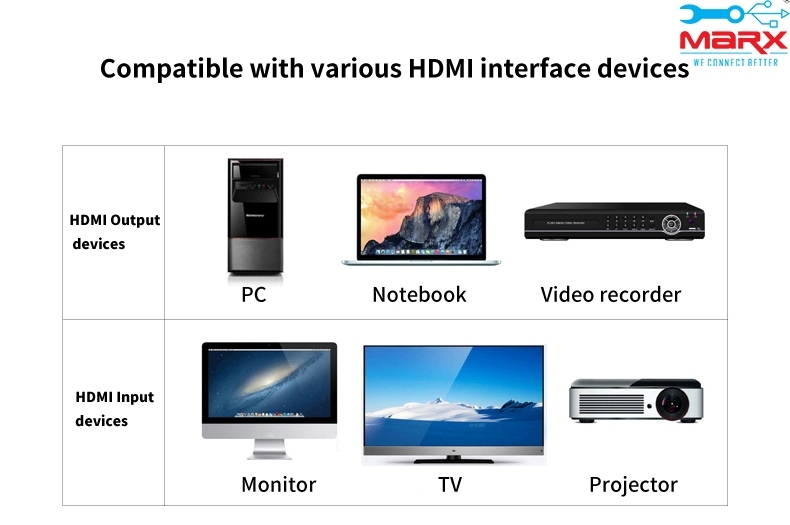
- Compatible Devices
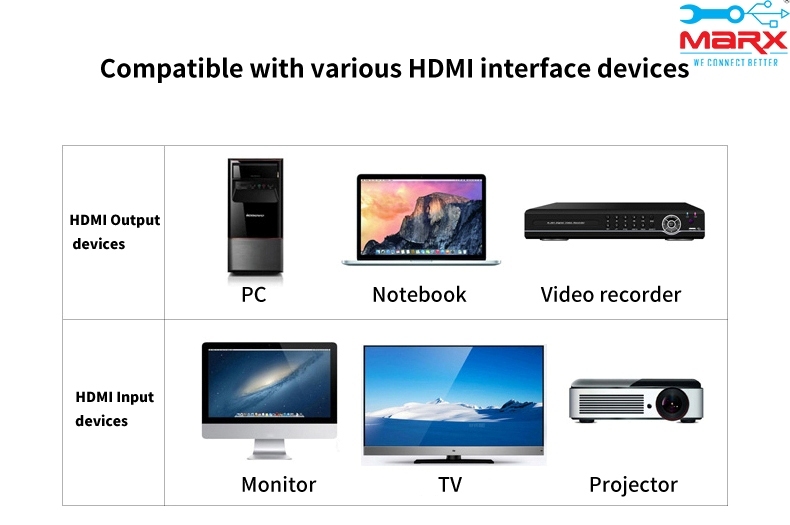
- DVD Players, Set-Top Boxes, PCs, Game Consoles, Projectors, HDTVs
- LED Indicators
- Power and Port Status
- HDCP Support
- Yes
- Power Adapter Included
- Yes
- Power Consumption
- <5W
HDMI Splitter 4 port Trade Information
- Minimum Order Quantity
- 1 Piece
- Payment Terms
- Paypal, Cash Advance (CA), Cash in Advance (CID), Cheque
- Main Domestic Market
- All India
About HDMI Splitter 4 port
A "HDMI Splitter" is a device that enables you to send your HDMI output from set-top boxes, DVD players, D-VHS players, PCs, and other HDTV devices to up to 2/4/8 HDMI inputs from monitors, LCD screens, plasma displays, and projectors with the same strength and quality. It also allows you to daisy-chain or cascade for more displays.The splitter can support resolutions of 720i, 720P, 1080i, and 1080P. They operate using basic plug-and-play functionality. They can connect to displays using DVI-D single link and HDMI.
Effortless HDMI Signal Distribution
Enjoy seamless sharing of your HDMI content across four displays with this splitter. The device utilizes automatic signal boosting to maintain crystal-clear video and audio output, supporting Full HD 1080p resolution. Plug-and-play installation makes it accessible for users of all experience levels, with automatic EDID management ensuring compatibility between various devices.
Built for Versatility and Reliability
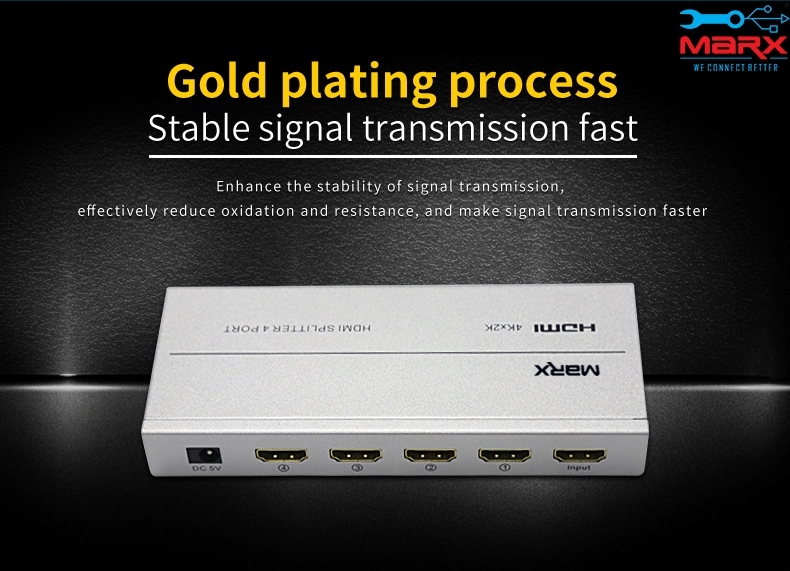
From home theaters and gaming setups to office presentations and classroom teaching, the HDMI Splitter offers broad device compatibility. Its sturdy box-type enclosure features anti-scratch surface treatments for long-term durability. With easy desktop mounting and LED indicators, users can monitor power and connection status at a glance.
FAQ's of HDMI Splitter 4 port:
Q: How do I set up the HDMI Splitter 4 Port for my devices?
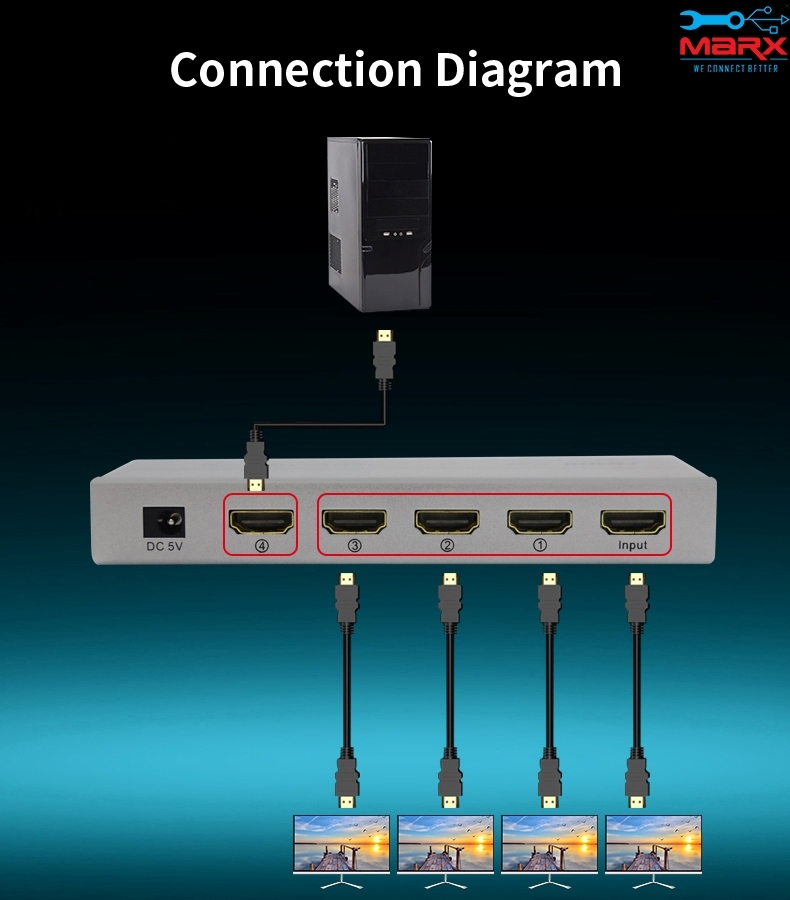
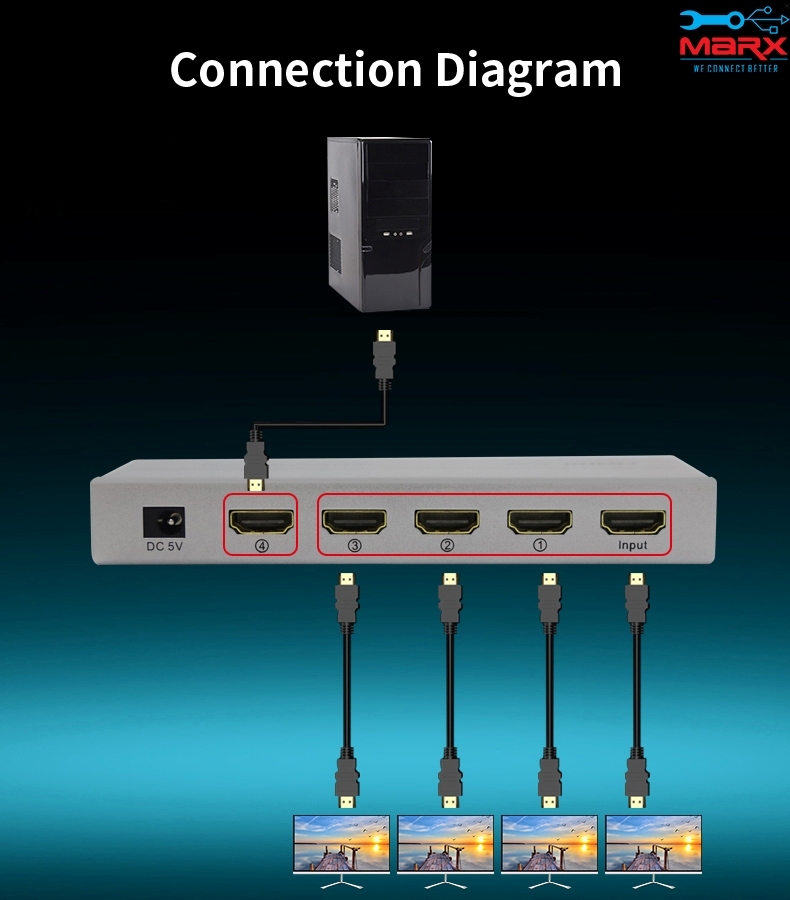
A: To set up the splitter, connect your HDMI source (such as a PC or DVD player) to the input port, then link up to four output devices using HDMI cables. Plug in the included power adapter, switch on the unit, and confirm connections with the LED status indicators. No additional software or configuration is required.Q: What types of devices are compatible with this HDMI splitter?
A: The splitter works seamlessly with DVD players, set-top boxes, HDTVs, projectors, PCs, and game consoles. It supports standard HDMI Type-A connectors and complies with HDMI 1.4 and HDCP 1.4, ensuring compatibility with most modern equipment.Q: Can multiple splitters be used together to increase outputs?
A: Yes, the HDMI Splitter 4 Port is cascadable, allowing you to chain multiple units to distribute the signal to even more displays. Simply connect the output of one splitter to the input of another, maintaining quality with the built-in signal booster.Q: Where is the optimal location to install the splitter?
A: Install the splitter indoors on a stable, flat desktop surface. It has an IP20 rating, suited for environments with 10% to 85% relative humidity and operational temperatures between 0C and 40C. Avoid placing the device outdoors or in high-moisture locations.Q: What benefits does the built-in signal booster provide?
A: The integrated signal booster ensures that the HDMI signal maintains integrity over longer cable runs or when splitting to multiple outputs. This results in reliable transmission of Full HD video and high-fidelity audio without degradation.Q: How does automatic EDID management enhance performance?
A: Automatic EDID management allows the splitter to intelligently communicate with connected devices, adjusting settings for optimal resolution and format compatibility. This reduces setup time and minimizes compatibility issues between various source and display equipment.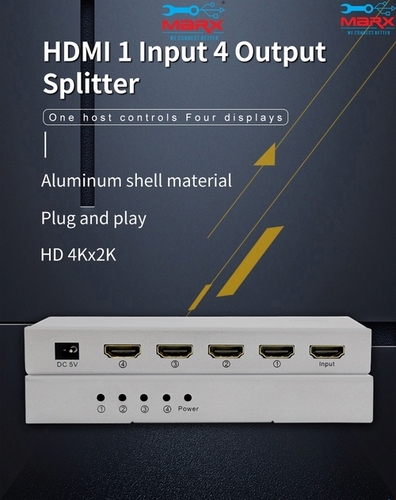
Tell us about your requirement

Price:
Quantity
Select Unit
- 50
- 100
- 200
- 250
- 500
- 1000+
Additional detail
Mobile number
Email

More Products in HDMI Products Category
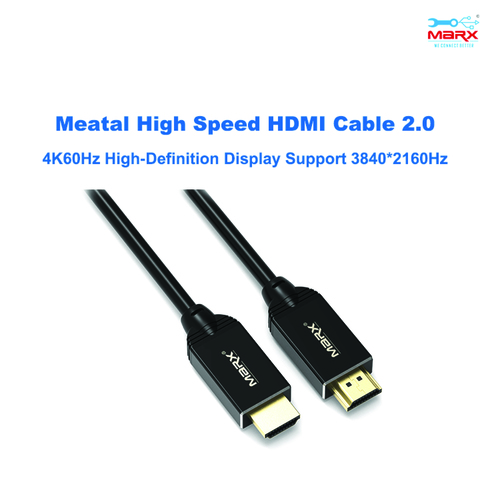
MARX HDMI 2.0v 3m cable
Price 475 INR / Piece
Minimum Order Quantity : 1 Piece
Product Type : HDMI 2.0v Cable
Material : Copper conductor with PVC outer jacket
Color : Black
Size : 3 meters
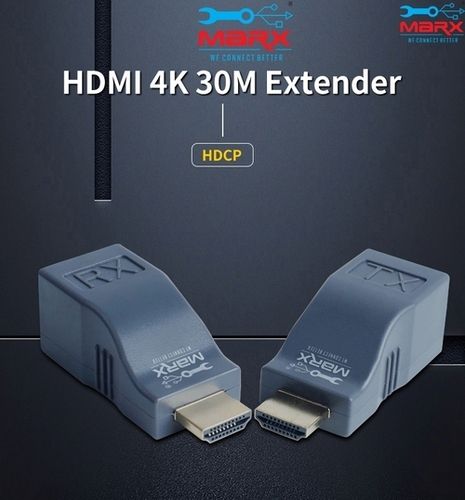
MARX HDMI Extender 30m
Price 950 INR / Piece
Minimum Order Quantity : 1 Piece
Product Type : HDMI Extender
Material : ABS Plastic, Electronics
Color : Black
Size : Standard Module
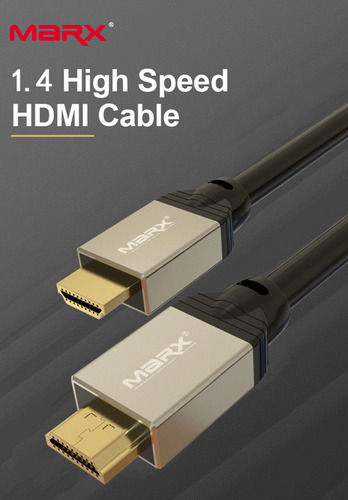
MARX HDMI 1.4v 1.5m cable
Price 300 INR / Piece
Minimum Order Quantity : 1 Piece
Product Type : HDMI Cable
Material : High Quality PVC with copper conductor
Color : Black
Size : 1.5 meter
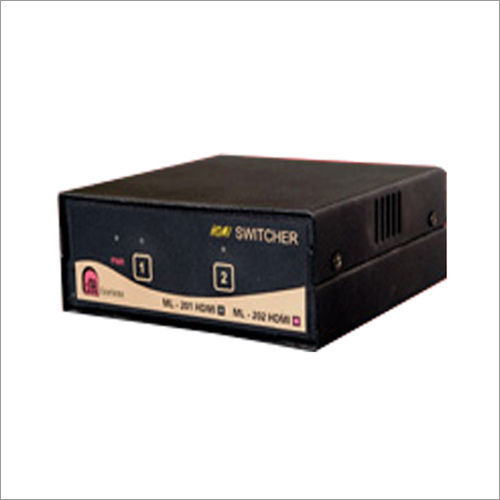
Milestones HDMI Switcher
Price 1 INR / Piece
Minimum Order Quantity : 1 , , Piece
Product Type : HDMI extender
Material : Metal
Color : Black

Address
GST : 27AADPT7876N1ZO
- 306, 3rd Floor, Ganesh Bhuvan, S.V.Marg, Lamington Road, Grant Road (E),Mumbai - 400007, Maharashtra, India
- Phone :08045814233
- Send Inquiry
 Send Inquiry
 Send Inquiry
 Send SMS
 Call Me Free
 |
JAYSHREE ELECTRONICS
All Rights Reserved.(Terms of Use) Developed and Managed by Infocom Network Private Limited. |
